



 Roll over image to zoom in
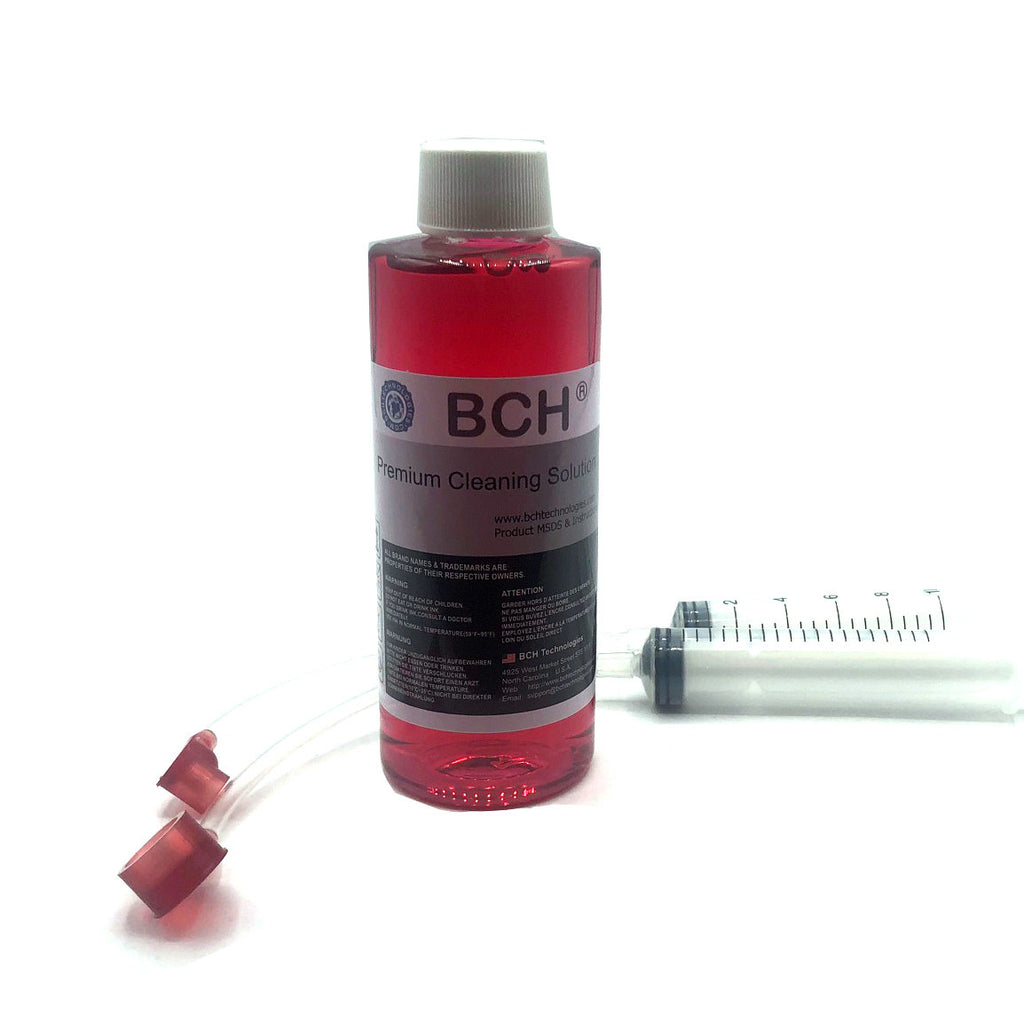
BCH Printhead Cleaning Kit for HP 564 902 910 920 934 935 (with FlushTip900)
Printhead Flushing Tool Combo. IMPROVE PRINT QUALITY. Fix printhead with stripes, missing a color, or blank pages. JUST FOR YOU. Specially designed for HP 564, 902, 910, 920, 934 and...
$16.99 $19.75
SKU:
AS-FlushTip-900Combo
Categories:
Tags:
Printhead Flushing Tool Combo.
- IMPROVE PRINT QUALITY. Fix printhead with stripes, missing a color, or blank pages.
- JUST FOR YOU. Specially designed for HP 564, 902, 910, 920, 934 and 935 Printheads.
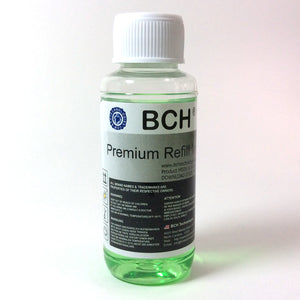
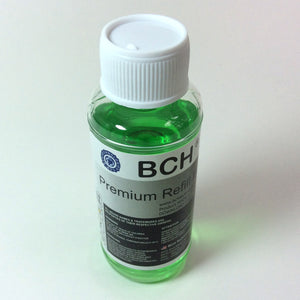
- STRONGEST ON THE MARKET: BCH MaxStrength(TM) red solution opens stubborn clogged nozzles and dissolves dried pigment and dye inks. For minor clogs, please try BCH green and clear color cleaning solutions in stead.
- EASY TO USE. Step-by-Step video can be found by searching 1YxCkkrKWQs on Google. Also see below description for details.
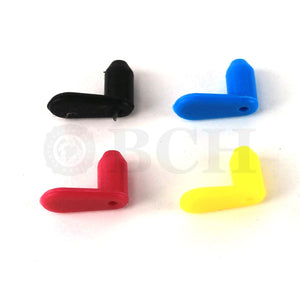
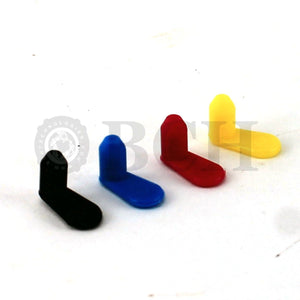
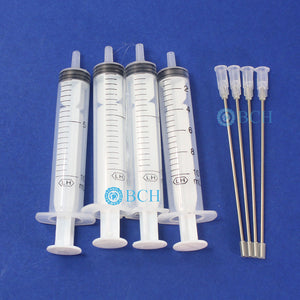
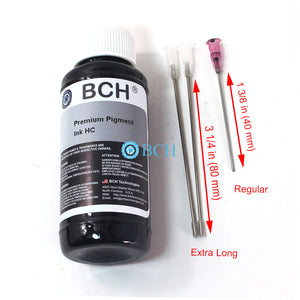
- EASY FIT. The package includes ONE pair preassembled (1 big & 1 small) FlushTip900 adapters. The tip can work on HP's black grommet directly. The adapter is designed to have a flexible connection for more tight situations.
Package includes:
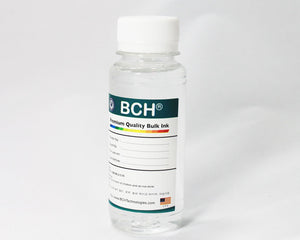
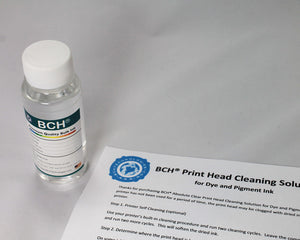
- 1 x BCH MaxStrength Red Cleaning Solution (120 ml)
- 1 x Pair of FlushTip900 Unclogging Tip with 10 ml syringes
To use:
- Put the printhead into the middle of the printer. You can start the printer and, as soon as the printhead moves, cut off the power. The printhead should be free to move. Slide some paper towel underneath the printhead to absorb ink overflow.
- Fill the syringe with 10 ml of cleaning solutions.
- Slowly and gently push down the FlushTip900 and inject the cleaning solution into the printhead. You will need about 5 ml for the black and 3 ml for each color. Do not push too hard.
- Depends on the type of cleaning solution, BCH's solution will need from 1 hour to 12 hours (max) to work on the clog. Put a wet paper towel on top of the printhead and close the printer lid.
- After 1 to 12 hours, depends on how bad the clog is, reinstall the cartridges and do some head cleanings with HP's built-in function.
- Repeat 3-6 if necessary. We attached an example below.
- Run some "clean smear" routines from your maintenance menu or print a few more pages to remove the stain from the flushing.

Related products


Add your product to the cart to view shipping rates. We've delivered to 289,762 customers in 149 countries.

 Weekly Promotion
Sign up for our newsletter to get weekly coupons and tips on printer refills and repairs.


Got a question? Don't hesitate to email us at support@bchtechnologies.com


Subscribe to Kevin's YouTube channel for the latest tips on printer repair and maintenance.
Recently viewed


23%
$499.00
$649.00


I ordered 2 sets of this 3ft tubing. I struggled with several companies websites trying to find this size tubing in a longer size. Finally i settled and ordered this - even though 3ft would be too short and I'd need to meld some of the second set to the first set to make it long enough. Item got here quick, i opened the box and bam! They sent me 6 ft. Because i ordered 2 sets of 3ft. Common sense like this doesn't exist anymore. I was expecting to need to improvise and they fixed a problem they didn't even know i had simply by doing what makes sense! Wonderful!! Cannot say how grateful i am. Give a raise to the person who was in charge of this order. It also fits perfectly in the other dimensions and should be exactly what i need for my printer.
Shawn V.
[C2] 3FT 1.4MM ID 6-Strand Non-Solvent Tube for Desktop CIS Tubing
VERY VERY SUPER PRODUCT. I purchased this product from Kevin and I can always say that Kevin is the best. Kevin definitely creates the best videos on the web. He has the best products and I always buy from him. Kevin also always recommends the best methods. I always recommend buying BCH TECHNOLOGIES products to always have perfect printers.
Alessandro R.
Instruction Sheet for L1800 / 1390 Printhead Testing with Multimeter (Digital Download) Instant Download — Delivered to Your Email
Best thing ever!! i used to put cleaning solution in the capping station with a syringe/hose then had to suck out f the wast line with a syringe.... over and over until the capping station was clean. maybe up to 10 times. now i just use maybe 1 or 2 - 30ml syringes full of water and the pump cleans it out so good.... then I put capping solution, place printhead over capping station and turn on the back of the machine. thats it. when i print again, usually next day, I pull from waste tank a few times until I get ink, then i run 1 head cleaning , print a test strip and usually good to go. I sometimes print a 2nd test strip. SO MUCH easier to use this little pump. so glad I bought it.
Ruth F.
TMS Printhead Maintenance System by BCH: Comprehensive Cleaning and Maintenance Solution