



 Roll over image to zoom in
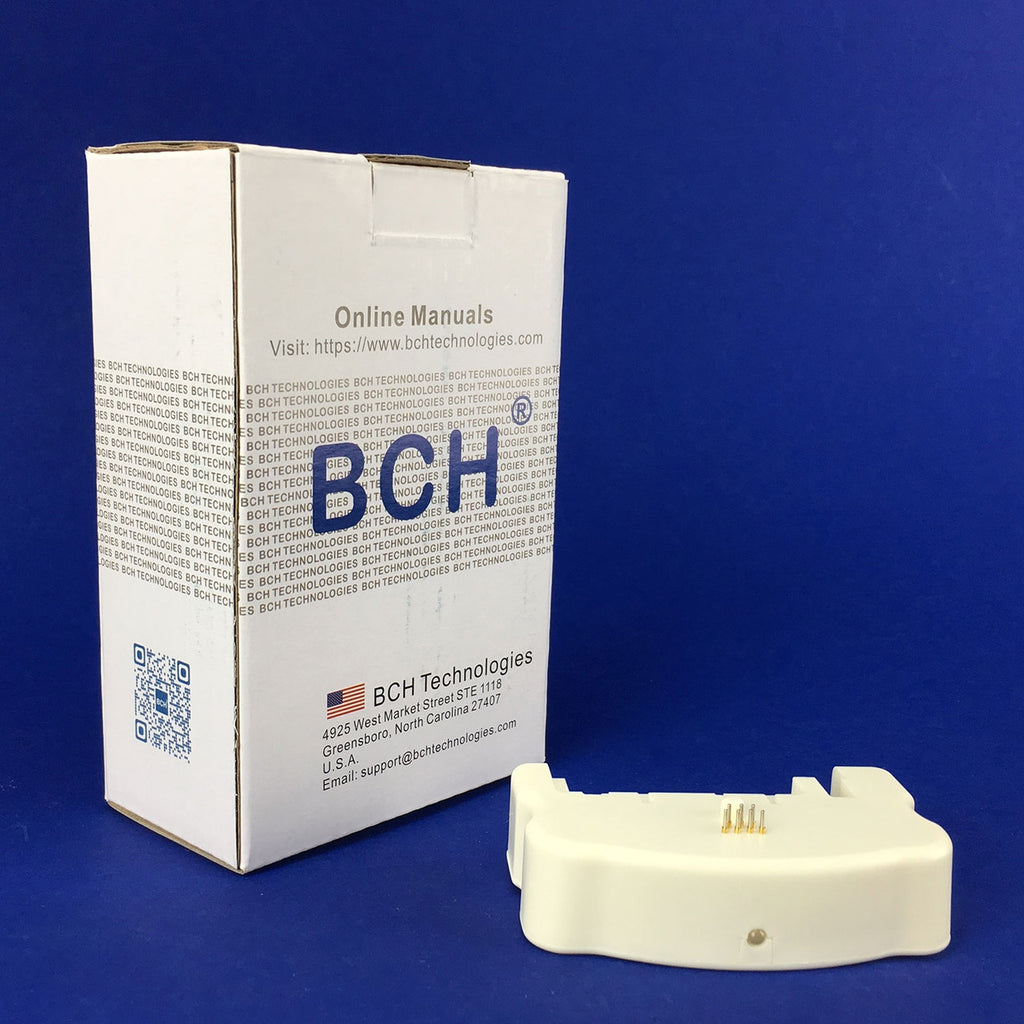
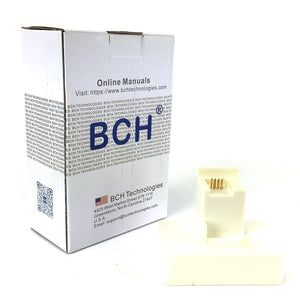
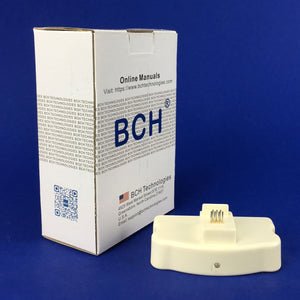
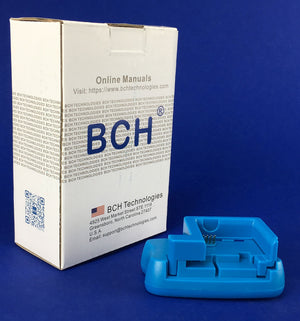
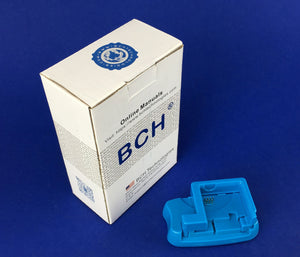
Waste Ink Tank Resetter for Epson Maintenance Box T6710 T671000 T6711 T671100 Workforce Pro Printer (AS-RESET-MB5)
Works with Epson Workforce Pro DO NOT BUY THIS FOR YOUR ECOTANK ET6710. This product is for T6710 & T6711 Maintenance box, Epson Global Code C13T671100. The "T" is the...
$59.99
Works with Epson Workforce Pro
DO NOT BUY THIS FOR YOUR ECOTANK ET6710. This product is for T6710 & T6711 Maintenance box, Epson Global Code C13T671100. The "T" is the maintenance box model, not the printer model. T6710 is not the same as ET6710!!!
Maintenance Tank Chip Resetter for Epson Maintenance Box
A maintenance box stores waste ink that gets flushed from the printer. When a printer expects the box to be full, it will stop working until the box is replaced.
Error messages like "Epson ink pad is at the end of its service life", or 'parts inside the printer have reached the end of their service life' are some examples of such issue.
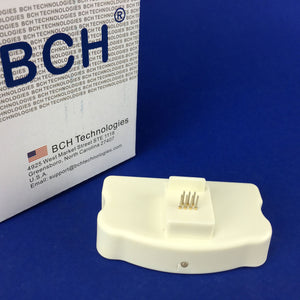
This resetter is a hardware solution that we take the maintenance box out and reset the waste ink pad counter on the chip.
The procedure is simple: take the maintenance box out and find the chip. Put the chip on this resetter and press down. Hold it for few seconds and the counter will be reset to zero.
Watch this video see how it is lined up. The maintenance box T6711 has 9-pins and the MB5 resetter has 7 pins. You need to skip the left pins to reset (as shown in the video).
The resetter only works with these models (Doesn't work for models not listed here):
Waste Tank model: T6710 T6711 (T671100 is the same as T6711) Epson Global Code: C13T671100
Compatible Printer models:
WorkForce ET-16500 EcoTank Wide-format All-in-One Supertank Printer
WorkForce Pro WF-4630 All-in-One Printer
WorkForce Pro WF-4640 All-in-One Printer
WorkForce Pro WF-5110 Network Wireless Color Printer
WorkForce Pro WF-5190 Network Color Printer with PCL/Adobe PS
WorkForce Pro WF-5620 Network Multifunction Color Printer
WorkForce Pro WF-5690 Network Multifunction Color Printer with PCL/Adobe PS
WorkForce Pro WF-M5194 Workgroup Monochrome Printer
WorkForce Pro WF-M5694 Multifunction Monochrome Printer
WorkForce Pro WF-R4640 EcoTank All-in-One
WorkForce Pro WF-R5190 Replaceable Ink Pack System
WorkForce Pro WF-R5690 Replaceable Ink Pack System
WorkForce Pro WP-4010 Network Color Printer
WorkForce Pro WP-4020 Inkjet Printer
WorkForce Pro WP-4023 Network Wireless Color Printer
WorkForce Pro WP-4090 Network Color Printer with PCL
WorkForce Pro WP-4520 Network Multifunction Color Printer
WorkForce Pro WP-4530 All-in-One Printer
WorkForce Pro WP-4533 Network Multifunction Wireless Color Printer
WorkForce Pro WP-4540 All-in-One Printer
WorkForce Pro WP-4590 Network Multifunction Color Printer with PCL
WorkForce WF-3540 All-in-One Printer
WorkForce WF-3620 All-in-One Printer
WorkForce WF-3640 All-in-One Printer
WorkForce WF-7110 Inkjet Printer
WorkForce WF-7111 All-in-One Printer
WorkForce WF-7210 Wide-format Printer
WorkForce WF-7510 All-in-One Printer
WorkForce WF-7610 All-in-One Printer
WorkForce WF-7611 All-in-One Printer
WorkForce WF-7620 All-in-One Printer
WorkForce WF-7710 Wide-format All-in-One Printer
WorkForce WF-7720 Wide-format All-in-One Printer
Related products



Add your product to the cart to view shipping rates. We've delivered to 289,762 customers in 149 countries.

 Weekly Promotion
Sign up for our newsletter to get weekly coupons and tips on printer refills and repairs.


Got a question? Don't hesitate to email us at support@bchtechnologies.com


Subscribe to Kevin's YouTube channel for the latest tips on printer repair and maintenance.
Recently viewed

34%

I purchased this product and messed it up first time. I somehow got superglue onto the main circuit board on the colour cartridge and for some reason (not sure how) I messed up the black one too. I repurchased the product (x2). I tried again with the colour one first (which is meant to be the most difficult). I was careful to wrap the circuit board and print head in cling film and taped it down on top. I was careful with the superglue and let it dry upside down for 24 hours so that if the glue leaked anywhere it wouldn't go towards the circuit board. It works great. I now have a functioning refillable colour cartridge. I am glad I got the hardest one out of the way first. I will shortly try the black one. But fantastic that overall, I know this product will save me a fortune in printing now. The colour one is obviously the hardest and it works! Good job guys. (I am from the UK which is why we spell colour with a u lol).
Daniel Cunningham
Modification Kit for Making Spongeless Cartridge with Canon PG-210 CL-211 PG-240 CL-241 PG-245 CL-246 PG-243 CL-244 PG-260 CL-261 PG-275 CL-276
Yes, you can easily make your own with a washed out water bottle but these come ready to go and are a better quality plastic. I won’t be using mine as a waste tank since I have a my CISS but will be using the bottle for my maintenance and cleaning solutions.
David Sustaita
XLARGE Waste Ink Collection Tank Combo with Small Tube for Epson (AS-EP-WASTE-25MM)
I can’t say enough about this company! Sent my main board in for repair and they were fast and the cost was reasonable. They are also quick to respond. This is not the first item I’ve purchased from them and won’t be the last. Also, the YouTube videos are a must to watch!
Nancy Donaldson
Fast Track Mainboard Repair: L1800, XP-15000, ET-15000, WF-7610 7620, WF-7110, WF-7710 7720, ET-8550, ET-2720, ET-2750Printer Mainboard, Formatter Board, Motherboard Troubleshooting and Repair