



 Roll over image to zoom in
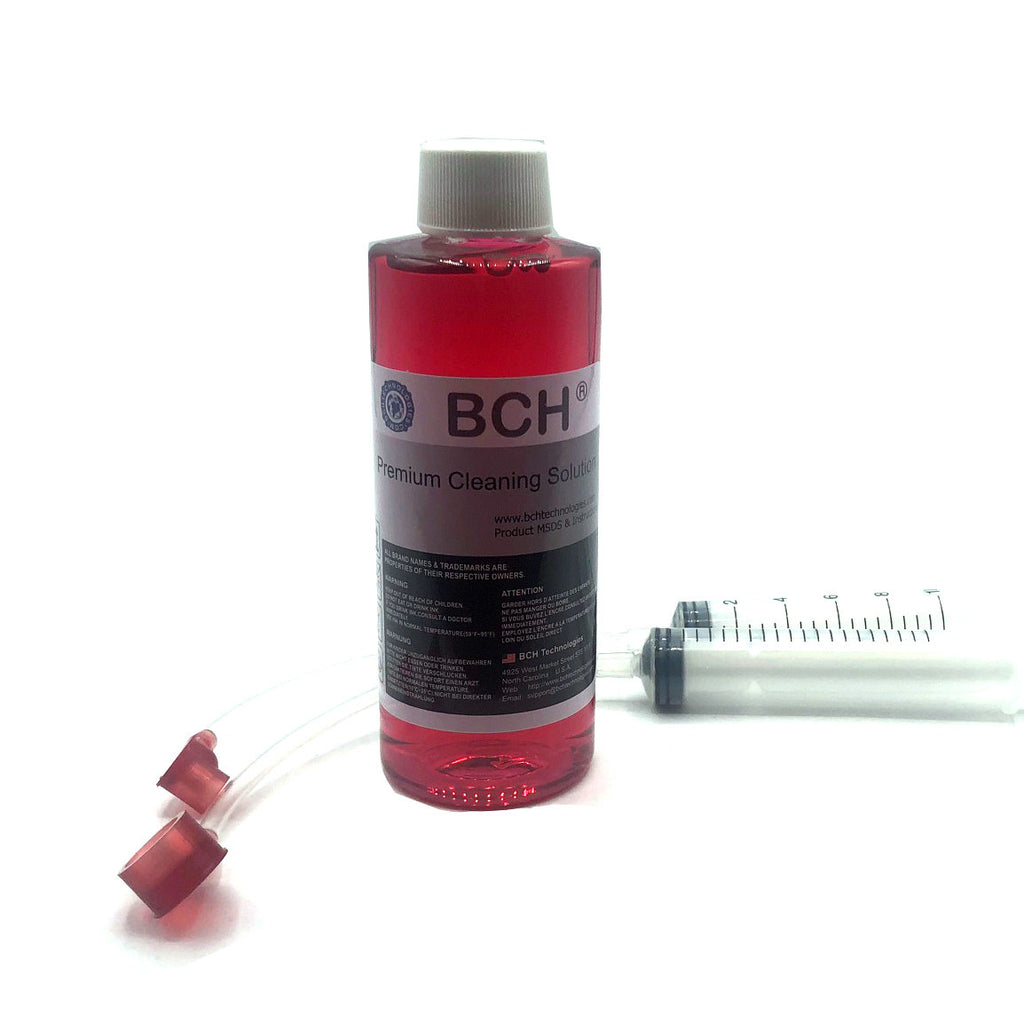
BCH Printhead Cleaning Kit for HP 564 902 910 920 934 935 (with FlushTip900)
Printhead Flushing Tool Combo. IMPROVE PRINT QUALITY. Fix printhead with stripes, missing a color, or blank pages. JUST FOR YOU. Specially designed for HP 564, 902, 910, 920, 934 and...
$16.99 $19.75
SKU:
AS-FlushTip-900Combo
Categories:
Tags:
Printhead Flushing Tool Combo.
- IMPROVE PRINT QUALITY. Fix printhead with stripes, missing a color, or blank pages.
- JUST FOR YOU. Specially designed for HP 564, 902, 910, 920, 934 and 935 Printheads.
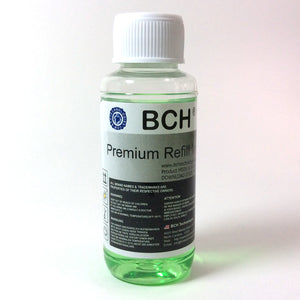
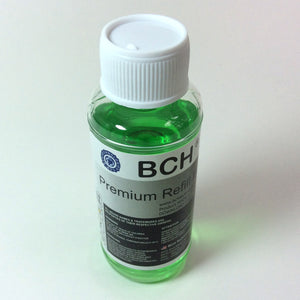
- STRONGEST ON THE MARKET: BCH MaxStrength(TM) red solution opens stubborn clogged nozzles and dissolves dried pigment and dye inks. For minor clogs, please try BCH green and clear color cleaning solutions in stead.
- EASY TO USE. Step-by-Step video can be found by searching 1YxCkkrKWQs on Google. Also see below description for details.
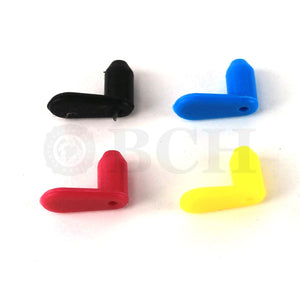
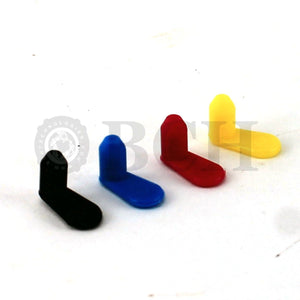
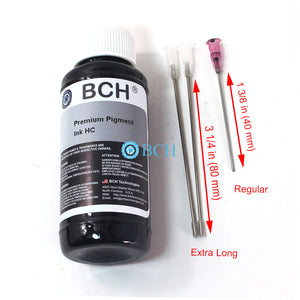
- EASY FIT. The package includes ONE pair preassembled (1 big & 1 small) FlushTip900 adapters. The tip can work on HP's black grommet directly. The adapter is designed to have a flexible connection for more tight situations.
Package includes:
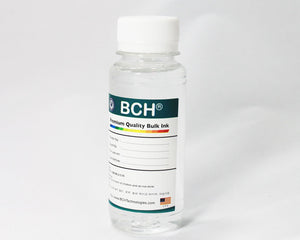
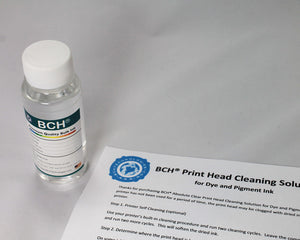
- 1 x BCH MaxStrength Red Cleaning Solution (120 ml)
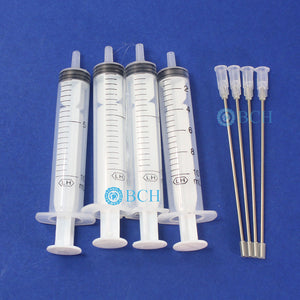
- 1 x Pair of FlushTip900 Unclogging Tip with 10 ml syringes
To use:
- Put the printhead into the middle of the printer. You can start the printer and, as soon as the printhead moves, cut off the power. The printhead should be free to move. Slide some paper towel underneath the printhead to absorb ink overflow.
- Fill the syringe with 10 ml of cleaning solutions.
- Slowly and gently push down the FlushTip900 and inject the cleaning solution into the printhead. You will need about 5 ml for the black and 3 ml for each color. Do not push too hard.
- Depends on the type of cleaning solution, BCH's solution will need from 1 hour to 12 hours (max) to work on the clog. Put a wet paper towel on top of the printhead and close the printer lid.
- After 1 to 12 hours, depends on how bad the clog is, reinstall the cartridges and do some head cleanings with HP's built-in function.
- Repeat 3-6 if necessary. We attached an example below.
- Run some "clean smear" routines from your maintenance menu or print a few more pages to remove the stain from the flushing.

Related products


Add your product to the cart to view shipping rates. We've delivered to 289,762 customers in 149 countries.

 Weekly Promotion
Sign up for our newsletter to get weekly coupons and tips on printer refills and repairs.


Got a question? Don't hesitate to email us at support@bchtechnologies.com


Subscribe to Kevin's YouTube channel for the latest tips on printer repair and maintenance.
Recently viewed





Best thing ever!! i used to put cleaning solution in the capping station with a syringe/hose then had to suck out f the wast line with a syringe.... over and over until the capping station was clean. maybe up to 10 times. now i just use maybe 1 or 2 - 30ml syringes full of water and the pump cleans it out so good.... then I put capping solution, place printhead over capping station and turn on the back of the machine. thats it. when i print again, usually next day, I pull from waste tank a few times until I get ink, then i run 1 head cleaning , print a test strip and usually good to go. I sometimes print a 2nd test strip. SO MUCH easier to use this little pump. so glad I bought it.
RUTH FIGUEROA
TMS Printhead Maintenance System by BCH: Comprehensive Cleaning and Maintenance Solution
This is a must have modification to save time troubleshooting. You will need to download Kevin's capping station video to disassemble the capping station. A definite must. You will also need a few other connections to hook this up. All parts are linked in his videos. Pro tip. Have patience and go slow. This modification will save you from a lot of headaches . I did this mod on Procolored L1800 about a year old . Thanks Kevin.
Vincent Kretlow
Waste Ink Collection Tank Combo with Small Tube for Epson (AS-EP-WASTE-25MM)
I purchased this product and messed it up first time. I somehow got superglue onto the main circuit board on the colour cartridge and for some reason (not sure how) I messed up the black one too. I repurchased the product (x2). I tried again with the colour one first (which is meant to be the most difficult). I was careful to wrap the circuit board and print head in cling film and taped it down on top. I was careful with the superglue and let it dry upside down for 24 hours so that if the glue leaked anywhere it wouldn't go towards the circuit board. It works great. I now have a functioning refillable colour cartridge. I am glad I got the hardest one out of the way first. I will shortly try the black one. But fantastic that overall, I know this product will save me a fortune in printing now. The colour one is obviously the hardest and it works! Good job guys. (I am from the UK which is why we spell colour with a u lol).
Daniel Cunningham
Modification Kit for Making Spongeless Cartridge with Canon PG-210 CL-211 PG-240 CL-241 PG-245 CL-246 PG-243 CL-244 PG-260 CL-261 PG-275 CL-276